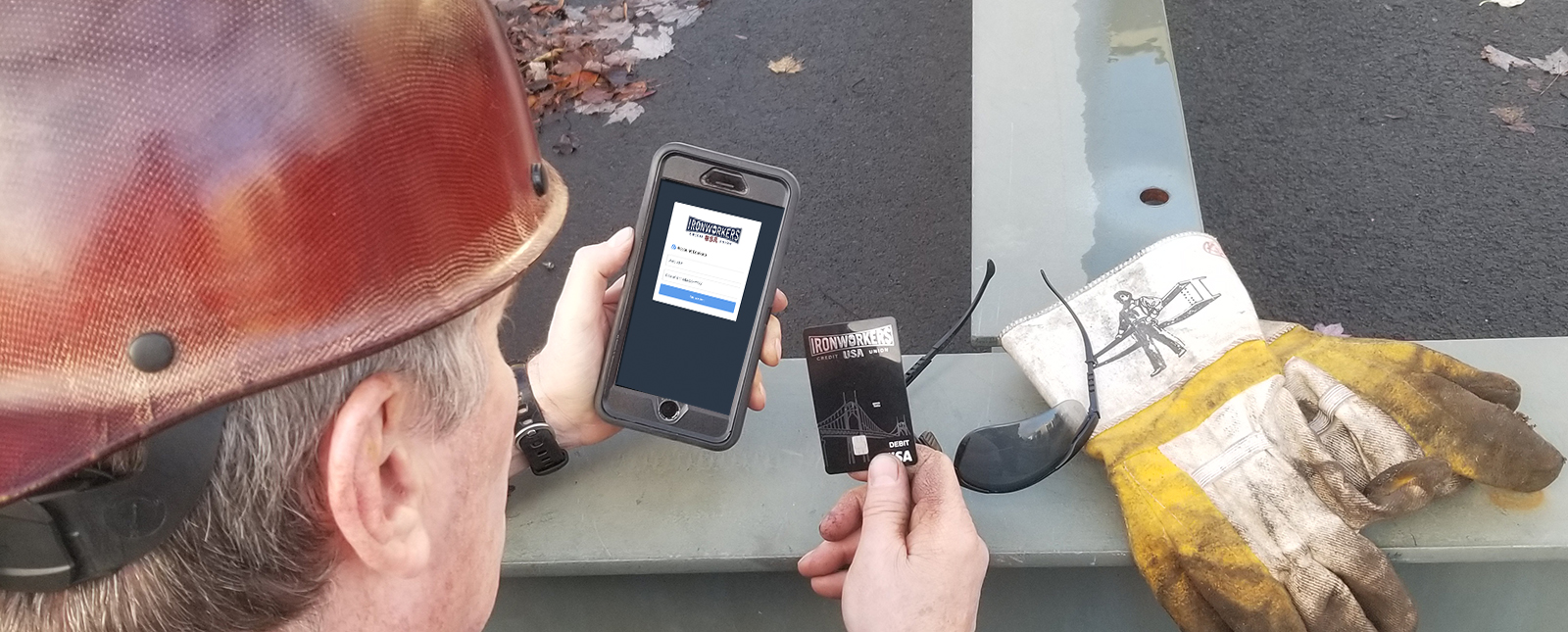
We have partnered with MessagePay to provide you with a quick and easy way to make loan payments with a different institution’s debit card! Pay from your smart phone, tablet, laptop, or home computer by clicking the “Make a Payment” button below!
Been out of town? Maybe you’re a chronic procrastinator? Or just simply forgot to pay your loan payment this month? No worries, we get that life happens. If your loan payment exceeds the due date, you’ll get a friendly reminder of your payment due via text message. The best part is, you can make those payments directly from a text on your mobile device.
STEP 1. Look up Your Account Enter your Ironworkers USA CU account number, this number can be found on your online or paper statement, and your birthday, to login to your “MessagePay” portal.
STEP 2. Add a Payment Method Add any debit card or external bank account from which you’d like to make payments.
STEP 3. Make a Payment Click “Make Payment Now” and you’re done!
We use cookies to ensure that we give you the best experience on our website. If you continue to use this site we will assume that you are happy with it.